
How to Self-Publish Your First Book: What to Do and in What Order
You want to publish a book, but what actually comes first? Editing? A cover? An Amazon account? Buying enough coffee to see you through the whole thing?
To self-publish your first book, finish and revise your manuscript, get it edited, choose your publishing platform and formats, prepare the interior and cover, check a proof, and then submit it for publication. Start planning how to reach readers before launch, rather than waiting until the book is available.
That is the short answer. Here is what those steps involve, and what you should have ready before moving on.
This guide focuses on self-publishing, using Amazon Kindle Direct Publishing (KDP) as the main example. If you are still deciding whether this route suits you, start with How to Decide If Self-Publishing Is Right for You.
1. Decide who your book is for
Before spending money, finish this sentence:
“My book is for ______, who want ______.”
For nonfiction, that might be adults who want practical exercises for developing self-compassion. For fiction, it might be readers who enjoy small-town mysteries with an amateur detective.
“Everyone” makes it difficult to choose a cover, write a description, or work out where to find readers.
Look at several comparable books. Study their covers, descriptions, formats, and reviews. What do readers appreciate? What do they say is missing? Use that information to understand expectations, rather than copying another author’s work.
Before moving on: Write down your intended reader and what your book offers them.
2. Finish your draft, then revise it yourself
If your manuscript is unfinished, completing it is your next job. You do not need a perfect opening chapter before writing chapter two.
Once the draft is complete, read it for the larger problems first.
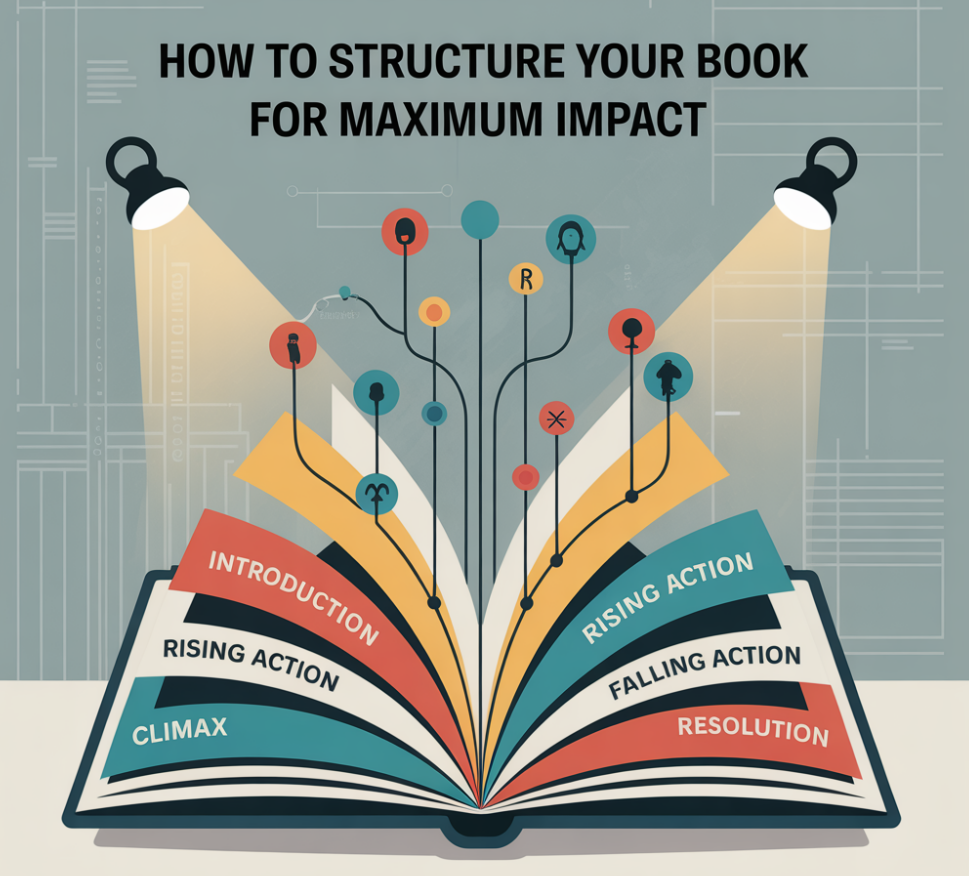
For nonfiction, check whether the chapters follow a useful order, explanations are accurate, and examples help readers apply the information. For fiction, check character motivations, pacing, plot holes, and whether the ending resolves the main story.
Then work through repetition, unclear sentences, and unnecessary material. Reading aloud can help you catch awkward wording your eyes have politely ignored.
Before moving on: Have a complete manuscript that you have revised from beginning to end. Keep a backup somewhere separate from your working copy.
3. Get feedback and the editing your manuscript needs
Feedback and editing do different jobs.
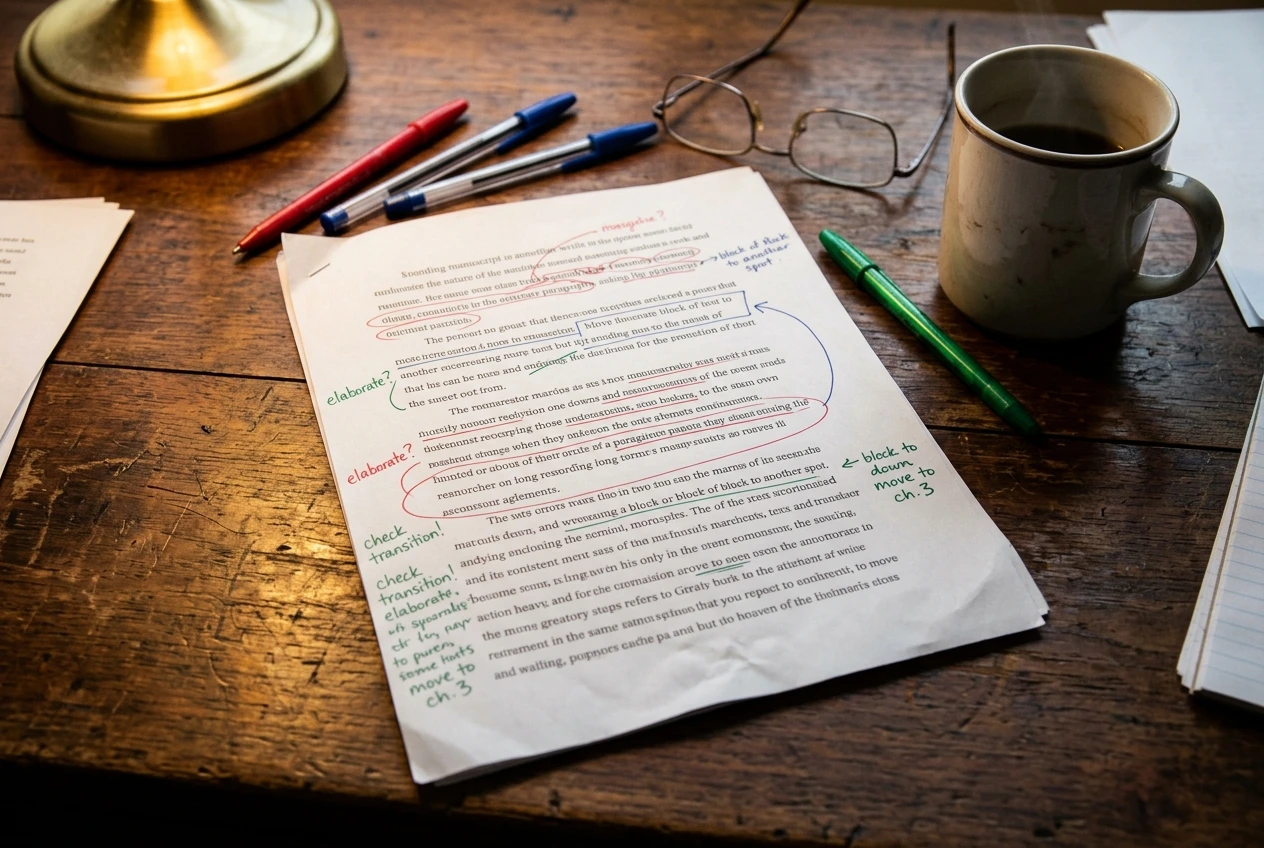
A reader familiar with your genre can tell you where they lost interest or became confused. An editor helps address particular problems in the manuscript.
-
Developmental editing: Structure, organization, plot, pacing, and other big-picture issues.
-
Line editing: How the writing flows at sentence and paragraph level.
-
Copyediting: Grammar, spelling, punctuation, and consistency.
-
Proofreading: A final check for remaining errors, including those visible after formatting.
Editing services sometimes overlap, so ask what is included. Request a quote, a sample where available, and a clear explanation of the deliverables.
Do the structural work before paying someone to polish sentences you may later delete.
If your budget is limited, identify the manuscript’s biggest weakness and prioritize help there. Editing software can support your checks, but it cannot reliably tell you whether an argument makes sense or your detective solved the crime using information nobody gave her.
Before moving on: Resolve the important feedback and complete the main text edits before final formatting.
4. Choose your platform, book formats, and spending limit
For this example, we will use KDP. Amazon allows you to publish ebooks, paperbacks, and hardcovers without an upload fee. That does not mean producing a book costs nothing: editing, design, proof copies, and promotion may still involve expenses.
Choose formats that suit the reader. A novel may work well as both an ebook and paperback. A workbook needs enough room to write. A coloring book needs a print layout designed for coloring.
You do not have to launch every possible edition at once.
Set a spending limit before hiring services or buying tools. List essential expenses separately from optional ones. I would put preparing a readable, carefully checked book ahead of paying for a large advertising campaign.
Also decide whether you want to distribute your ebook beyond Amazon. KDP Select is optional and carries ebook exclusivity requirements during its enrollment term. Read the current terms before choosing it; simply publishing through KDP does not mean you have to enroll.
Before moving on: Know your platform, initial formats, distribution plan, and maximum production budget.
5. Sort out your ISBNs
An ISBN identifies a particular book edition and format. It does not edit the book, establish its quality, or give you copyright ownership.
For Canadian authors:
Eligible Canadian publishers, including eligible self-publishers, can obtain free ISBNs through Library and Archives Canada. Apply early rather than leaving this until upload day.
For US authors:
In the United States, ISBNs are sold through Bowker, and you buy them yourself. KDP also offers a free ISBN for print books, but it lists KDP as the publisher of record and limits where that edition can be sold. If you want to use the same print edition with other printers or distributors, buying your own ISBN gives you more freedom.
For other countries:
If you live elsewhere, search for your country’s national ISBN agency. Some give ISBNs free to eligible self-publishers and some charge a fee, so check before you buy from a reseller.
Rules and prices change, so confirm the current details on KDP’s help pages and your national agency’s site before you decide.
KDP does not require an ISBN for a Kindle ebook. Most paperback and hardcover books need one, although exceptions exist for certain low-content books.
Check the conditions before accepting a platform-provided ISBN, especially if you intend to use another publishing service for the same print edition. Different formats generally need separate ISBNs.
Before moving on: Know which editions need ISBNs and who will supply them.
6. Format the interior for each edition
Formatting turns your edited manuscript into the files readers will actually use.
For print, choose your trim size (the finished book’s dimensions) along with paper and ink options. Set suitable margins, including enough space at the binding. Check chapter openings, page numbers, headings, images, and blank pages.
If artwork reaches the edge of a page, follow the platform’s bleed requirements. Bleed is the extra image area that extends beyond the cut edge.

For a typical text-based ebook, use a reflowable layout that lets readers adjust the text size. A print PDF and an ebook file serve different purposes; do not assume one file will work well for both.
I use Atticus for formatting my text-based books. There is a learning curve, but I have found it manageable. Whatever tool you choose, inspect the exported files rather than assuming the export button has performed a small miracle.
Before moving on: Have separate, checked interior files for your chosen formats and a final print page count.
7. Prepare the cover using the correct dimensions
You can develop the cover concept earlier, but finalize the print cover after the interior page count is settled. Page count and paper choice affect spine width.
A paperback cover normally includes the back, spine, and front in one file. An ebook uses a front-cover image. Use the publishing platform’s current template or calculator for the print dimensions.
Your cover should help the intended reader recognize the kind of book you are offering. Check it at thumbnail size: can you read the title, and does the design still make sense?
If you hire a designer, confirm which files and formats are included and what rights you receive to use the design elements.
Before moving on: Have the correct cover file for each edition, with matching title, subtitle, and author name.
8. Prepare your book listing and check the numbers
Gather your title, author name, description, keywords, categories, publishing rights information, and prices before working through the upload screens.
A nonfiction description should explain who the book helps, what it covers, and what readers can expect to do with it. A fiction description should introduce the central character, conflict, and stakes without revealing the ending.
Choose relevant search terms. Avoid filling the description with repeated keywords at the expense of readable sentences.
Use the platform’s current royalty calculator before setting your print price. The difference between the selling price and your royalty is substantial enough to deserve attention.
A sale is revenue. Profit is what remains after the costs. Advertising can reduce that further, so leave yourself room to work with.
Before moving on: Have your listing information ready and understand the estimated royalty at your chosen price.
9. Upload, preview, and order a print proof
Complete the account, payment, and tax information requested by the platform. Upload your files and work through its preview tools.
Answer content and rights questions accurately. If you used AI tools, check the platform’s current disclosure requirements; KDP distinguishes between AI-generated and AI-assisted content.
For a print book, order a proof before approving publication.

Check the binding margin, text size, cover alignment, image clarity, page order, and any unexpected blank pages. For a workbook, try writing in it. For a coloring book, inspect the lines and coloring spaces at their actual printed size.
Fix problems in your source files, upload the corrected versions, and preview again. If a change affects the page count, check the cover dimensions too.
Before moving on: Approve the actual reader experience, not just a screen that says the files uploaded successfully.
10. Publish and give readers a way to find it
Submit the checked book for review. Review usually takes a little while, so allow time for processing and possible corrections rather than promising anyone it will be live that evening. Once approved, KDP creates your listing. Make sure the Kindle and paperback pages are linked.
Prepare a manageable launch plan beforehand. For your first launch, keep it small:
-
Update your website and tell anyone on your opt-in mailing list.
-
Share useful excerpts, or approach relevant reviewers according to their submission policies.
-
Ask friends and beta readers to leave an honest review if they enjoyed the book. Never pay for reviews or pressure people.
-
Set up your author page so readers can find your other work.
You do not need to become a full-time entertainer on five social media platforms. Choose a few ways to reach people who might actually want your book.
Once it is live, check the listing and purchase links. Monitor sales, expenses, and reader feedback. If you try advertising, start with a spending limit and assess what it costs to generate sales.
You can change your description, keywords, categories, and price after launch, so nothing is locked in. Check the details again after a few weeks and adjust what is not working.
Publishing makes your book available. Helping the right readers discover it is an ongoing job.
Before moving on: Have the book submitted, the listing checked, and a small launch plan ready.
Tick these off one at a time. If you are unsure where you are, start at the first unticked line.
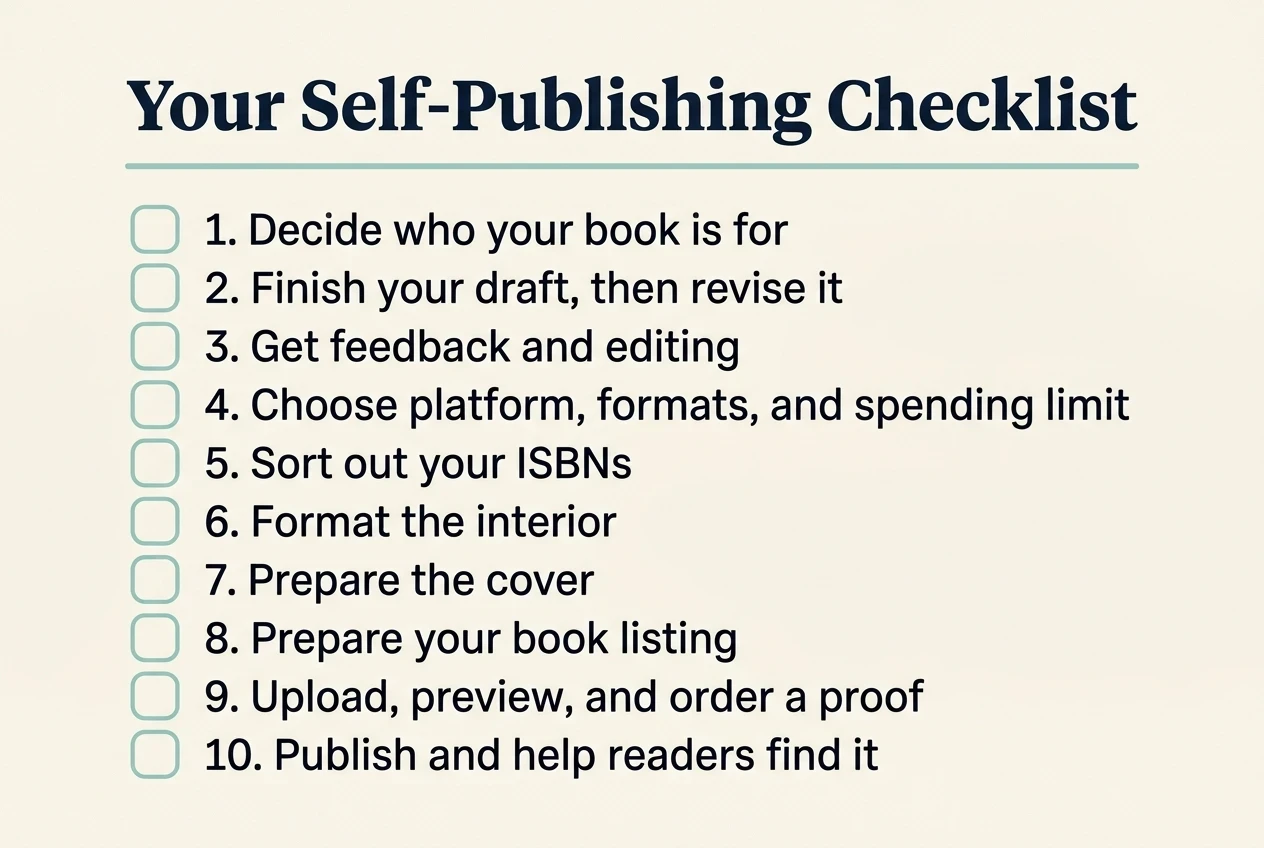
What should you do next?
Choose the first unfinished step above.
If your manuscript is still a draft, work on revision. If the text is edited, choose your formats and prepare the files. If everything looks finished, order the proof before reaching for the publish button.
You can learn this process one decision at a time. There are plenty of jobs in self-publishing without trying to do them all before lunch.